Get Found Playbook · Photos
Let's get your photos working harder.
Nobody picks a restaurant with no pictures. Your phone camera is all you need. Here's what to shoot, and how to post it.
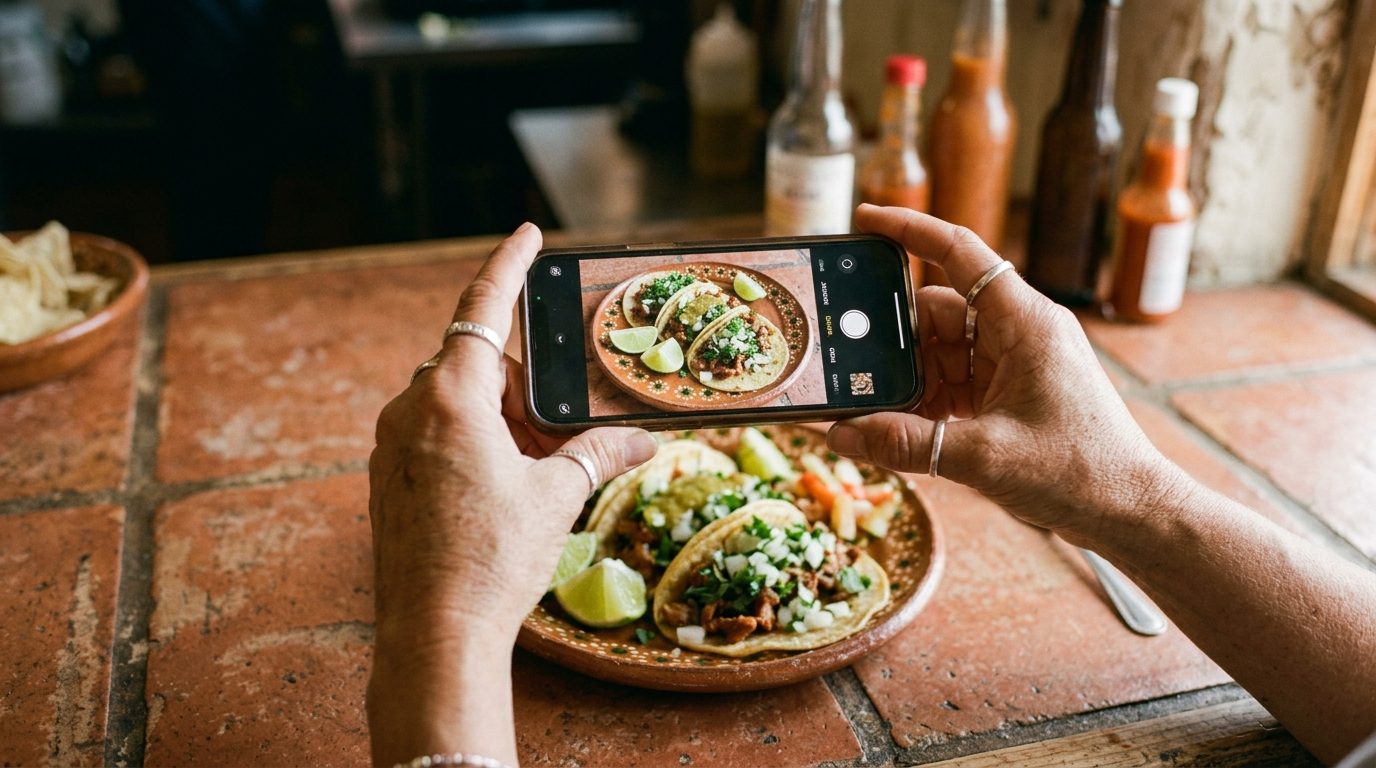
- Listings with photos get 42% more requests for directions.
- Get to 10 photos, then add two or three a month.
- Storefront, inside, what you sell, your people. That's the whole list.
Don't want to read? Let an AI walk you through it.
Tap the button, then paste it into ChatGPT, Claude, or Gemini. It becomes your coach for this one fix.
You're a patient, friendly coach helping a small business owner add photos to their Google Business Profile. Talk to me like I'm brand new to this. Give me one short step at a time, and wait for me to say "done" before the next one.
First, ask me two questions and wait for my answers: (1) What kind of business do I have? (2) Am I on my phone or on a computer right now?
Then walk me through it. Step 1: open my business on Google (Google Maps on a phone, google.com/business on a computer) and find the Photos section. Step 2: upload three photos first: my storefront from the street, the inside on a good day, and my best product or plate. Step 3: give me ten more photo ideas for my kind of business, like my team, a busy afternoon, before-and-afters, and the thing I'm known for. Step 4: expert tips: shoot in daylight near a window, hold the phone level, skip filters, and name each photo file with my business name and what it shows before I upload it. Step 5: set me a routine of three new photos every Friday, and show me how to ask happy customers to add their own photo with their review.
Ground rule: only advice that follows Google's rules for Business Profiles. Never suggest stock photos, other people's photos, or paying for reviews.
Why photos matter more than you think
When someone searches "tacos near me," Google gives them a list. They tap the one with the best pictures. Every time. Google's own research says listings with photos get 42% more requests for directions and 35% more clicks to the website. Photos are the cheapest fix on your whole report card.
What to shoot
- Your storefront, from the street. It's how people recognize you when they pull up, and how Google confirms you're real. Shoot it in the daytime with the sign in the frame.
- Inside, on a good day. Clean, lights on, set up like you're expecting company. Stand near a window. Natural light beats any filter.
- What you sell. Your best plate, your freshest cuts, a finished job, a before-and-after. This is what makes someone pick you over the listing next to yours.
- Your people. A friendly photo of you and your team builds more trust than any stock image ever will.
- Get to 10, then keep going. Two or three new photos a month tells Google, and your customers, that you're open and busy.
How to add a photo
- On your phone. Open the Google Maps app, tap your profile picture
in the top corner, then tap
Your Business Profile. TapPhotos, thenAdd, and pick the photo from your camera roll. - On a computer. Search your business name on Google. In the box
that says "Your business on Google," click
Add photo. Drag the photos in. - Check it landed. Look up your business on Google Maps like a customer would. New photos usually show within a day.
Three ways to get photos without doing it all yourself
- Ask customers to add a photo with their review. When a regular snaps a picture of their plate, say "post that with your review!" Customer photos carry extra weight with people deciding where to go.
- Post an update with a photo once a month. A special, a new item, a holiday note. Every update is a new photo on your listing. See Look open and active.
- Ask your team for one photo a week. Whoever's working Friday afternoon takes one picture of whatever happened that week. Text it to you. Post the best one.
More requests for directions from listings with photos.
Google/Ipsos · Your EDCHow many photos does Google see on your listing?
Run the free 60-second checkup. It counts your photos and shows what customers see. Your EDC coaches local businesses through the fixes, free.
Run my free checkup