Get Found Playbook · Part 1
Let's get the basics right: phone, address, hours.
Complete Google profiles get up to 70% more visits (Google/Ipsos). The basics take one sitting, and everything else in this playbook stands on them.
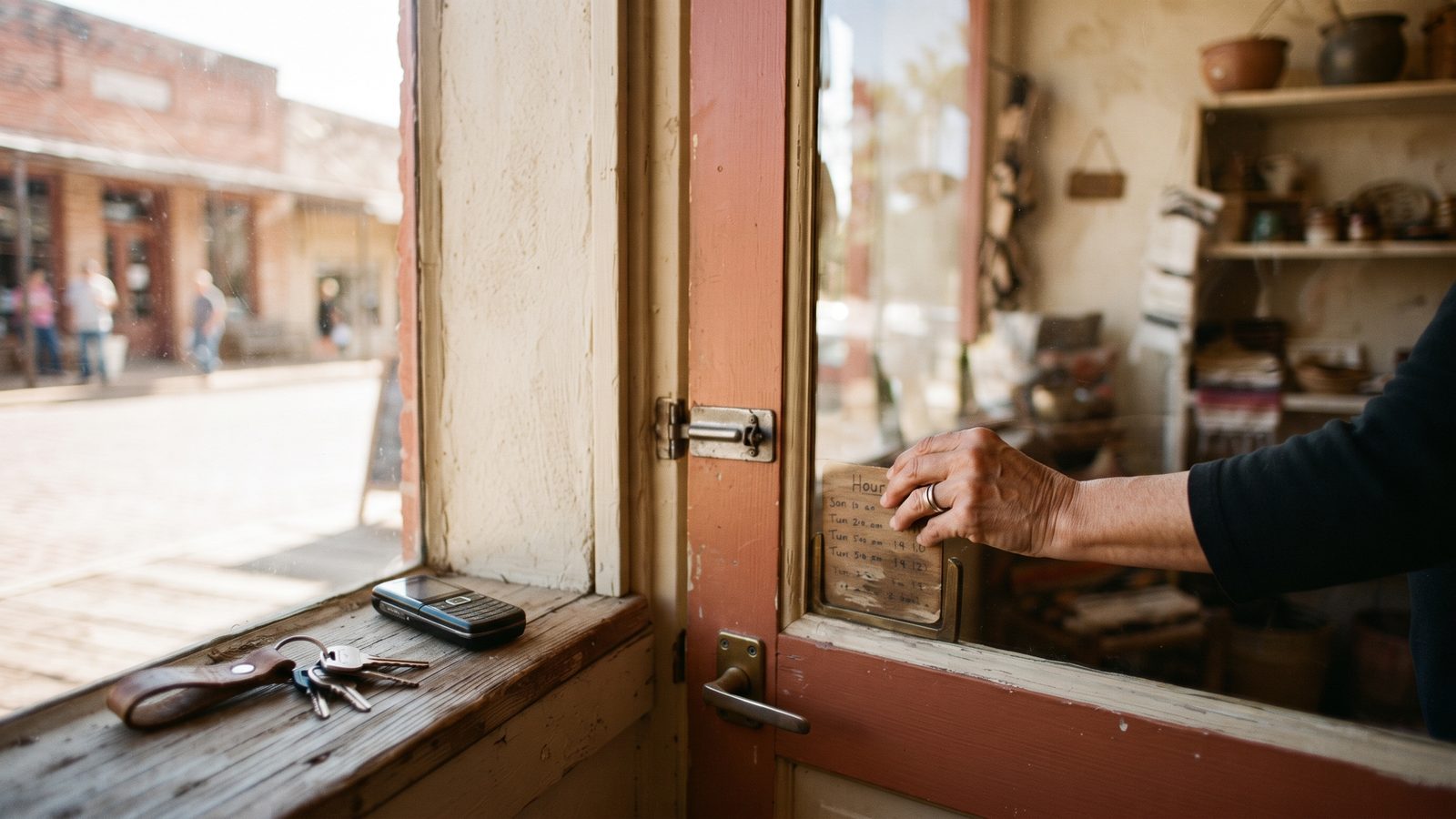
- Six one-time fixes: claim, phone, address, hours, category, description.
- Do them in one sitting from the Google Maps app.
- Then ten minutes, four times a year, for holiday hours.
Don't want to read? Let an AI walk you through it.
Tap the button, then paste it into ChatGPT, Claude, or Gemini. It becomes your coach for this one fix.
You're a patient, friendly coach helping a small business owner fix the basics on their Google Business Profile: phone, address, hours, category, and description. Talk to me like I'm brand new to this. One short step at a time, and wait for me to say "done" before the next one.
First, ask me two questions and wait for my answers: (1) What kind of business do I have? (2) Am I on my phone or on a computer right now?
Then walk me through it. Step 1: get me to the edit screen. On a phone, open the Google Maps app, tap my profile picture, tap "Your Business Profile," then "Edit profile." On a computer, search my business name on Google, find the "Your business on Google" panel, and click "Edit profile." Step 2: the phone number that actually gets answered. Step 3: the street address, exactly as written on the building. Step 4: hours for all seven days, including the days I'm closed. Step 5: the most specific primary category for my business. Ask me a question or two to pick it. Step 6: a plain-words description, two or three sentences: what I sell, who it's for, what part of town I'm in. Draft it with me, no slogans. Then a routine: a phone reminder on the 1st of March, June, September, and December to add special hours for the holidays coming up.
Ground rule: only advice that follows Google's rules for Business Profiles. My business name on Google stays my real name, no extra keywords or city names stuffed in. Never suggest a second listing, and never suggest trading anything for reviews.
Why the basics come first
When someone searches "tire shop near me," Google shows three things: a phone number, an address, and whether you're open right now. If any of those is missing or wrong, they tap the next shop. Google's own research says complete profiles get up to 70% more visits. This is the cheapest win on your whole checkup.
Do this: pull up your listing on Google Maps like a customer and read it out loud. Anything wrong? That's your list.
Six fixes you only do once
- Claim your listing. Go to google.com/business, sign in, and prove the business is yours. If someone set it up years ago, get it back. An unclaimed listing can be edited by strangers. Stuck on the login? Read Let's get you back in first.
- Add the phone that actually gets answered. People on a phone tap to call. No number, no call. A number that rings to a dead line is worse than none.
- Confirm your street address. Exactly as it's written on the building. Without it, you don't show up on the map properly at all.
- Set hours for all seven days. "Is it open right now?" is the number one thing people check. Include the days you're closed. A blank Sunday reads as "who knows."
- Pick the most specific primary category. "Taqueria" beats "Restaurant." "Tire shop" beats "Auto repair." The more specific, the better Google matches you to what people type.
- Write a plain-words description. What you sell, who it's for, what part of town you're in. "Barbacoa and menudo on weekends, breakfast tacos every day, across from the high school." No slogans needed.
How to edit your listing
- On your phone. Open the Google Maps app. Tap your profile
picture in the top corner, then
Your Business Profile, thenEdit profile. Each of the six fixes has its own row. - On a computer. Search your business name on Google. In the box
that says "Your business on Google," click
Edit profile. - Check it landed. Search yourself on Google Maps like a customer would. Most edits show within a day. A few, like a new category, get reviewed by Google first and take a little longer.
Basics done? Next up is photos, the fastest way to look like the busiest shop on the block.
More visits from a complete Google profile.
Google/Ipsos · Your EDCWhich basics is your listing missing?
Run the free 60-second checkup. It shows exactly which of the six are missing or wrong. Your EDC coaches local businesses through the fixes, free.
Run my free checkup